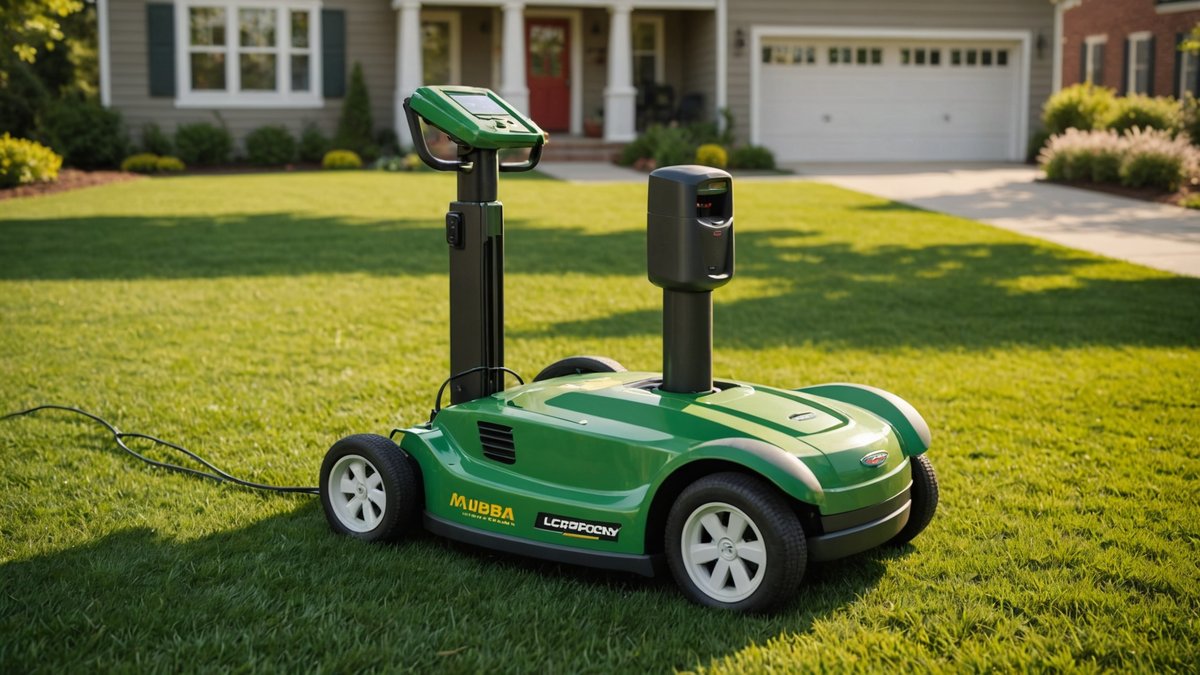
Imagine this: you’ve set up your Mammotion Luba 3 robotic mower, and its charging station is perfectly placed—until it isn’t. Maybe you’re redesigning your yard, adding a new garden bed, or just realized the original spot gets too much shade. Traditionally, moving the charging station meant a full remapping of your lawn, a time-consuming hassle no homeowner or pro wants to deal with. But what if you could skip the remapping entirely? A new step-by-step guide, now available on YouTube, reveals how to relocate your Luba 3’s charging station without starting from scratch. For anyone invested in smart mowing, this is a game-changer.
Why Moving a Robotic Mower’s Charging Station Is Usually a Headache
Most autonomous lawn mowers, including popular models like the Husqvarna Automower or Worx Landroid, rely on a base station that doubles as a home base for recharging and, often, as a reference point for navigation. When you move that station, the mower’s internal map—which it uses to navigate obstacles, borders, and zones—can become misaligned. The result? A confused robot that either refuses to mow or, worse, starts cutting random patches of your lawn (or your neighbor’s).
Mammotion’s Luba series, known for its advanced RTK-GPS precision, has historically required a full remapping process if the charging station was moved by more than a few inches. This involves redefining boundaries, recalibrating the GPS, and essentially teaching the mower your lawn all over again. For robot lawn mower owners, this meant dedicating an afternoon to setup—again. But the Luba 3, with its latest firmware and a clever workaround, is breaking that mold.
How the Luba 3 Simplifies Charging Station Relocation
The key to this hack lies in the Luba 3’s ability to use relative positioning rather than absolute coordinates. Instead of treating the charging station as a fixed point tied to a GPS map, the mower can recognize the new location as an offset from the original. This means you can shift the station—within reason—and the mower will adjust its routes accordingly, saving you the headache of a full reset.
The YouTube tutorial, created by a Luba 3 owner and verified by other users in the community, outlines a straightforward process:
- Measure the Offset: Determine how far and in which direction you’re moving the charging station (e.g., 2 meters north and 1 meter west). Precision here is critical.
- Update the Base Station Coordinates: In the Luba 3’s companion app, manually adjust the charging station’s GPS coordinates to match the new location. This step tricks the mower into recognizing the shift without invalidating the existing map.
- Test the New Path: Send the mower on a short test run to ensure it navigates correctly. If it veers off course, fine-tune the offset measurements.
- Monitor the First Full Mow: Keep an eye on the mower during its first full cycle in the new setup to confirm it’s covering the entire lawn as intended.
This method works best for robotic mower owners who are moving the station within the same general area—think a few meters, not across the yard. For larger moves, a partial remap may still be necessary, but this workaround covers most common scenarios, like avoiding a new obstacle or optimizing for better Wi-Fi signal.
Key Takeaways: What You Need to Know
Before you grab a shovel and start digging up your charging station, here’s what to keep in mind:
- Compatibility: This method is specific to the Mammotion Luba 3 with the latest firmware. Older Luba models or other brands (like the Gardena Sileno or Robomow) may not support it.
- Precision Matters: The offset measurements must be accurate to within a few centimeters. Use a measuring tape or laser tool for best results.
- App Access Required: You’ll need the Mammotion app to adjust the GPS coordinates. Ensure your mower is connected to Wi-Fi or Bluetooth.
- Limitations: This isn’t a magic bullet. If you move the station to a drastically different location (e.g., the other side of the yard), you may still need to remap.
- Backup Your Map: Always back up your current lawn map in the app before making changes, just in case something goes wrong.
How This Stacks Up Against Competitors
The ability to move a charging station without a full remap is a rare feature in the autonomous lawn mower space. Most competitors require a complete reset if the base station is relocated. For example:
- Husqvarna Automower: Uses a boundary wire and guide wire system. Moving the charging station typically means re-laying wires and remapping.
- Worx Landroid: Relies on boundary wires and often requires a full setup if the base is moved.
- Gardena Sileno: Similar to Husqvarna, with a heavy dependence on physical wires for navigation.
Mammotion’s RTK-GPS technology gives it an edge here, as it’s less reliant on physical boundaries and more on satellite precision. This flexibility is a major selling point for tech-savvy homeowners or commercial landscapers managing multiple properties.
That said, other brands are catching up. The Ecovacs Goat G1, for example, also uses GPS and may offer similar workarounds in future updates. But for now, the Luba 3 is leading the charge in user-friendly smart mowing adjustments.
What This Means for You
For robotic mower owners, this development is a big deal. It means greater flexibility in yard design and less downtime when adjustments are needed. No longer do you have to choose between a poorly placed charging station and a full day of remapping. For landscaping pros, this could translate to significant time savings when optimizing mower placements across client properties.
If you’re considering a robot lawn mower purchase, the Luba 3’s adaptability is a strong point in its favor. It’s a sign that Mammotion is prioritizing user experience and practicality—qualities that matter just as much as cutting performance.
And if you already own a Luba 3? Bookmark that YouTube tutorial. It might just save you a headache down the line.
FAQ
Can I use this method with the Mammotion Luba 1 or Luba 2?
No, this workaround is specific to the Luba 3 due to its advanced GPS and firmware capabilities. The Luba 1 and Luba 2 lack the relative positioning features required for this hack. However, Mammotion may introduce similar functionality in future updates for older models.
What’s the maximum distance I can move the charging station without remapping?
While there’s no official limit from Mammotion, user reports suggest this method works reliably for moves up to 5–10 meters (16–33 feet) from the original location. Beyond that, the mower may struggle to align its map correctly, and a partial or full remap is recommended.
Do I need any special tools or equipment?
No special tools are required, but you will need:
- A measuring tape or laser measure for accurate offset calculations.
- The Mammotion app installed on your smartphone or tablet.
- A stable internet connection to update the GPS coordinates in the app.
That’s it! The process is designed to be user-friendly, but as always, double-check your measurements to avoid issues.
Source: Original Article

Author: AI Mow
AI Mow is the AI-assisted news desk of AI Mower News. It monitors manufacturer announcements, trade shows and industry sources, and drafts stories in our editorial voice. Every article is checked against its original source before publication — our fact gate holds anything that claims testing we did not do or specs the source does not support — and is published under this byline for transparency. How we work: https://aimowernews.com/editorial-guidelines/ · The people behind it: https://aimowernews.com/our-team/