

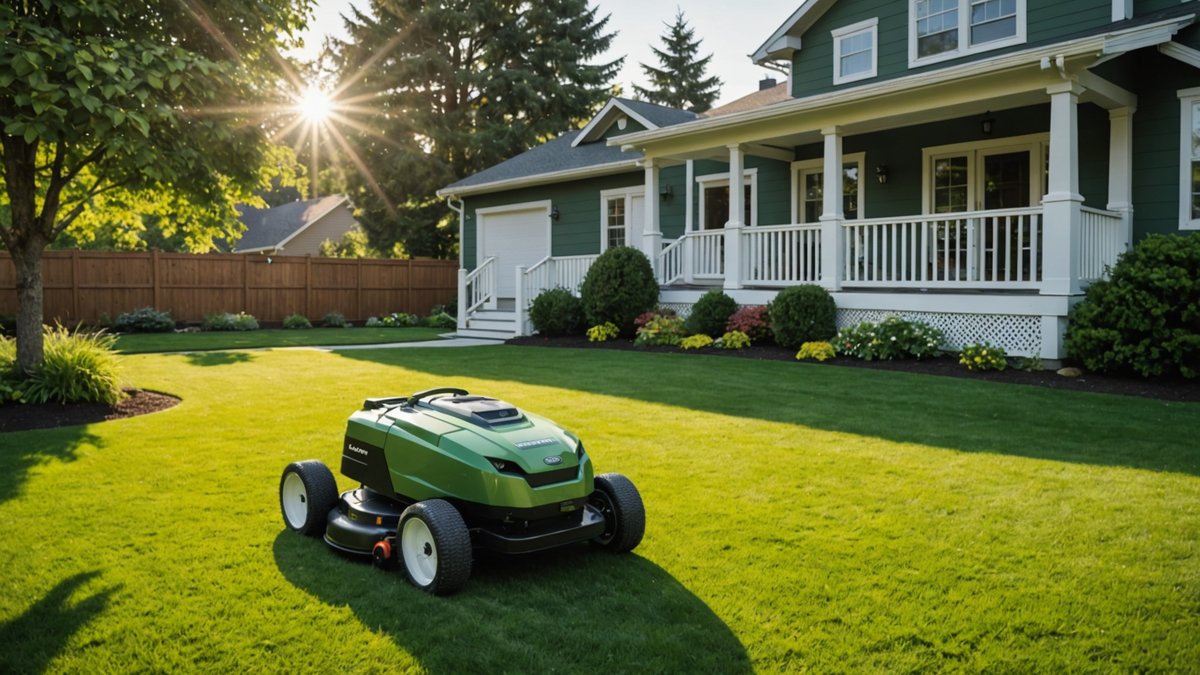
If you’ve recently invested in an AI robotic mower or AI Robotic lawn mower, you’re likely eager to get it up and running. One of the key steps in setting up your Robotic mower is installing the perimeter wire. This wire helps the mower navigate your lawn and stay within the defined boundaries. While it may sound complicated, setting up the perimeter wire can be a rewarding DIY project.
Why Is the Perimeter Wire Important for Your Robotic Mower?
The perimeter wire is crucial for guiding your AI robotic lawn mower around the lawn. It works by sending a signal to the mower, telling it where the boundaries are and preventing it from straying into flower beds, gardens, or other areas you don’t want it to mow. Installing the perimeter wire correctly ensures that your robotic mower operates efficiently, follows a precise Mowing pattern, and avoids obstacles in your yard.
What Do You Need to Install a Robotic Mower Perimeter Wire?
Before diving into the installation process, let’s make sure you have all the necessary tools and materials:
- Perimeter wire (usually included with the robotic mower kit)
- Wire pegs or stakes (for securing the wire to the ground)
- Wire cutters (for cutting the wire to the desired length)
- Staple gun or nails (optional, if you prefer a more permanent installation)
- Spade or shovel (if you plan to bury the wire)
- Measuring tape (for accurate placement of the wire)
- Plastic or rubber gloves (optional, for comfort while handling the wire)
Once you have everything ready, it’s time to start the installation.
How to Install a Robotic Mower Perimeter Wire: Step-by-Step Guide
1. Plan Your Perimeter Layout
Before installing the wire, take the time to carefully plan the layout of your lawn. Walk around your yard and mark where you want the mower to operate, avoiding areas like flower beds, trees, or hard-to-reach spots.
Here’s what you need to do:
- Measure your yard: Use a measuring tape to determine the length of the wire you’ll need. Most robotic mowers come with a specific amount of wire, but if your yard is large, you might need to buy more.
- Map out obstacles: Mark any flower beds, trees, paths, or garden areas you want the mower to avoid. Ensure the wire forms a complete loop, with no gaps where the mower could escape.
2. Prepare the Perimeter Wire
If your AI robotic mower came with a long roll of wire, you may need to cut it to the desired length. Be sure to leave a bit of extra length to allow for adjustments later.
- Cut the wire: Use wire cutters to cut the perimeter wire to the required length.
- Check for kinks or damage: Ensure the wire is in good condition with no cuts or bends that could interrupt the signal.
3. Secure the Wire to the Ground
The next step is to secure the wire along the edges of your defined perimeter. You can either lay the wire on the surface or bury it for a more permanent installation.
- Surface installation: Use wire pegs or stakes to secure the wire about 3–5 inches away from the edge of the lawn. Space the pegs about 18 inches apart to keep the wire in place.
- Burying the wire: If you prefer a more hidden look, you can bury the wire in a shallow trench (about 1–2 inches deep). Use a spade or shovel to create a small trench and then lay the wire inside it. Once the wire is in place, cover it with soil.
When installing, make sure the wire follows the perimeter closely and is tightly secured. If the wire is too loose, the mower may have trouble following the path.
4. Connect the Wire to the Charging Station
Once the wire is secured around the perimeter, you’ll need to connect it to the charging station (also called the charging base). This is where the mower will “home” to charge when it’s done mowing or when it needs to be recharged.
- Attach the wire to the charging station: Most charging stations have a small terminal or connector where you can easily attach the ends of the perimeter wire.
- Ensure the connection is secure: Double-check that the wire is properly attached and there’s no loose connection that could interrupt the signal.
5. Test the System
Now that the perimeter wire is in place and connected to the charging station, it’s time to test your setup. Follow these steps:
- Turn on the mower: Turn on your AI robotic mower and let it perform a test run. The mower should follow the perimeter wire and stay within the defined boundaries.
- Adjust if needed: If the mower goes out of bounds or misses areas, you may need to adjust the wire placement. Move any pegs or stakes if necessary to ensure the mower stays within the proper boundaries.
6. Final Adjustments and Maintenance
Once the system is working properly, you’ll want to monitor the mower during its first few runs. Keep an eye on any areas where the mower might have trouble, such as sharp corners or places where the wire isn’t as taut.
For ongoing maintenance:
- Check the wire regularly: Periodically check the perimeter wire for any signs of damage or disconnection.
- Clean the mower: Regularly clean your AI robotic lawn mower to ensure it continues to operate efficiently.
FAQ: Installing Perimeter Wire for Robotic Mowers
Q: Can I install the perimeter wire on my own, or do I need a professional?
You can absolutely install the perimeter wire on your own! With the right tools and patience, the process is straightforward and manageable as a DIY project. Just follow the steps carefully, and you should have no trouble.
Q: How deep should I bury the perimeter wire?
If you decide to bury the wire, it should only be about 1–2 inches deep. This is deep enough to hide the wire while still allowing it to send a signal to your AI robotic mower.
Q: How long does the perimeter wire installation take?
The time it takes depends on the size of your yard. For a small to medium-sized lawn, the installation should take a few hours. Larger lawns may require a full day, especially if you’re burying the wire.
Q: Can I change the perimeter wire layout after installation?
Yes, you can adjust the layout if needed. If you notice areas where the mower isn’t performing well, simply move the wire slightly or re-secure it.
Q: What should I do if the AI robotic mower keeps going out of bounds?
If your mower goes out of bounds, check the wire for damage or areas where it might not be secured properly. If the mower still isn’t staying within the boundaries, consider adjusting the wire to ensure it follows the edge more accurately.
Conclusion
Installing a perimeter wire for your AI robotic mower is a simple yet crucial step in setting up your lawn care system. By carefully planning the layout, securing the wire, and testing the system, you can ensure that your AI robotic lawn mower operates effectively and efficiently, keeping your lawn neat and well-maintained. Whether you’re installing the wire yourself or making adjustments later on, following these steps will help you get the most out of your robotic mower.
Happy mowing!
📰 Related Articles
🔗 Essential Resources
- 📖 Manual Finder — 51 brands, 195+ models
- 🤖 AI Support Assistant — instant troubleshooting
- 📐 Complete Guide to Robotic Mowers 2026
- 🏆 Independent Rankings 2026
- ⚠️ Buyer’s Guide: What Dealers Won’t Tell You

Author: Muazma Saeed
Muazma Saeed is a content creator at AI Mower News, writing about robotic lawn mowers, smart gardening, and outdoor tech. Muazma focuses on practical, how‑to content that helps readers with installation, maintenance, and best practices for robotic mower ownership. With a growing portfolio of articles that answer common questions and provide useful advice for both home users and commercial operators, Muazma aims to support the community of mower owners and tech‑curious gardeners.