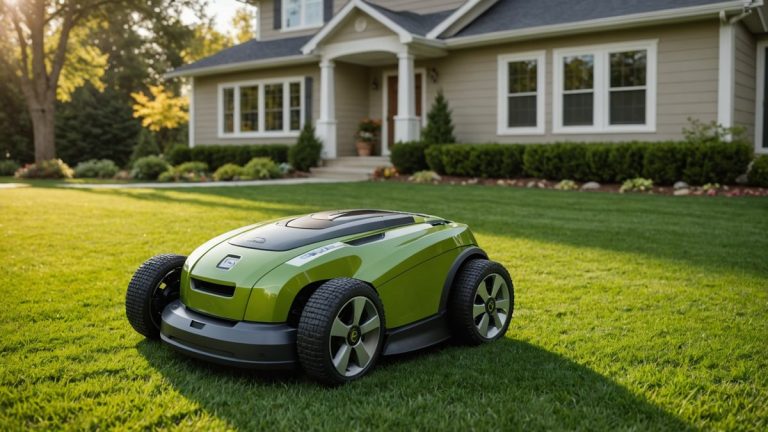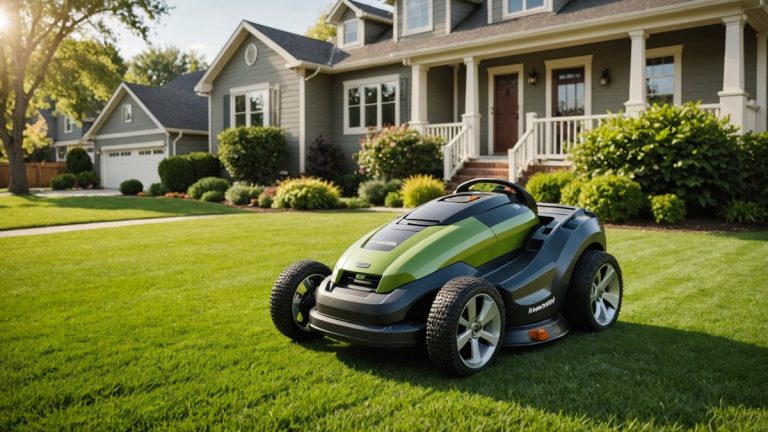

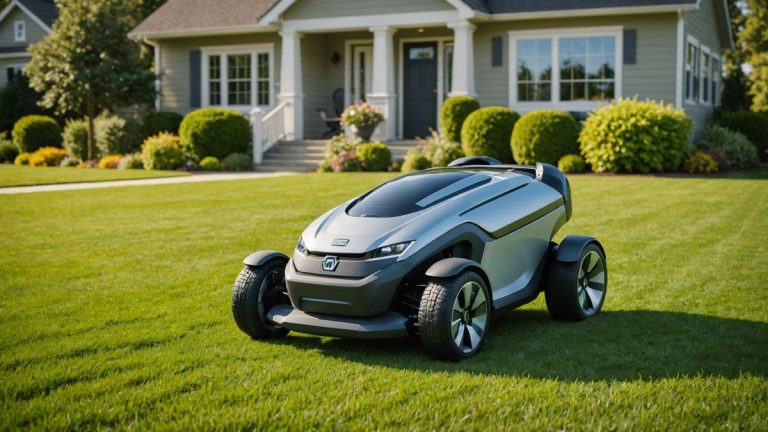
Husqvarna, a brand that’s basically synonymous with robotic lawn mowers, is pushing boundaries again with a newly designed Automower optimized for managing expansive green spaces. Whether you’re dealing with golf courses, sports fields, or sprawling commercial properties, this latest innovation promises smarter mowing and larger coverage than ever before—opening up exciting possibilities for both landscaping pros and homeowners with extra-large lawns.
The Challenge of Large Spaces
One of the biggest hurdles in robotic mowing has always been size: how do you efficiently and effectively automate lawn care on massive properties? For spaces stretching into acres, traditional robot lawn mowers often hit limits with battery life, area mapping, and time-consuming setups. Husqvarna appears determined to eliminate these challenges with their newest Automower model, which is engineered specifically for large-scale mowing tasks.
Features such as advanced GPS tracking, larger cutting capacities, and power-packed lithium-ion batteries mean this mower can handle significant workloads while still delivering precise trimming. It’s aimed at professionals managing spaces like university grounds, city parks, and high-end residential properties with complex landscaping needs.
Advanced Technologies for Smarter Mowing
This new Automower integrates Husqvarna’s latest smart mowing technologies, including real-time navigation, hassle-free terrain adjustment, and remote management. Here’s what comes under the hood:
- GPS-Assisted Navigation: With built-in GPS tracking, the mower learns and maps large properties, ensuring full coverage without missing patches or over-mowing specific areas.
- Enhanced Cutting Width: A wider cutting deck allows faster operation across bigger spaces, making short work of sprawling lawns.
- Remote Control: Through Husqvarna’s smartphone app, operators can adjust schedules, monitor mowing progress, and even diagnose technical issues from anywhere.
- Durable Design: Built to withstand challenging terrains such as slopes, uneven ground, or rain-soaked lawns, the mower keeps running smoothly no matter the conditions.
Designed for Pros, but Homeowners Are in the Mix
While this robotic mower is undoubtedly geared toward landscaping professionals and commercial applications, it could also spark interest among homeowners managing estate-like properties or extensive acreage. Balancing usability with cutting-edge tech, Husqvarna’s latest model not only reduces time spent on manual mowing but also eliminates many landscaping headaches—like inconsistent cuts or fuel expenses tied to traditional ride-on mowers.
Additionally, its eco-friendly performance is a big plus. The electric-powered mower produces zero direct emissions, helping owners meet sustainability goals while achieving a picture-perfect lawn.
What This Means for You
For Homeowners: If you’ve been holding out for a robotic mower that can efficiently tackle larger lawns, this Husqvarna Automower might be your answer. Instead of spending weekends pushing a lawn mower or riding a noisy tractor, imagine relaxing while a smart robotic mower quietly takes care of everything—even tricky areas. Plus, with app-enabled control, you can monitor progress without lifting a finger.
For Professionals: Landscaping pros working on commercial or government contracts should take note. This model’s advanced functionality and ability to cover substantial spaces could streamline your operations, allowing teams to focus on other high-value tasks. Fewer hours spent mowing translates to better profitability, happier clients, and a greener way to manage turf.
With Husqvarna doubling down on large-scale solutions, robotic lawn mowers are proving they’re ready for prime time in even the most demanding applications. Whether you’re a pro looking to modernize your fleet or a homeowner wanting next-level convenience, this cutting-edge innovation opens doors to smarter mowing and easier maintenance.
Source: Original Article